Storefront widget
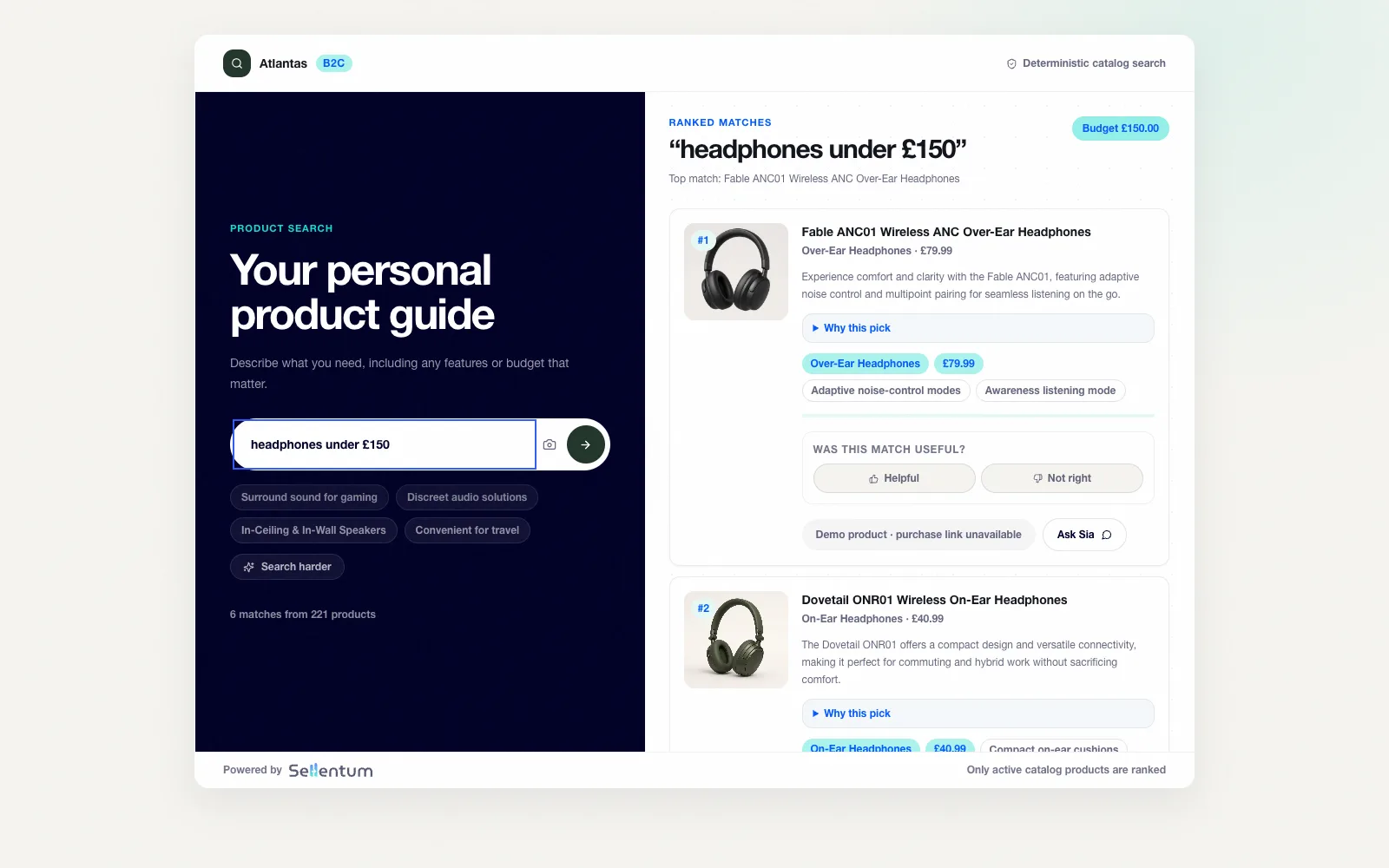
Add guided product discovery to your storefront.
Install a published experience with a script snippet, choose an inline or modal display and adjust the shopper-facing appearance to suit your store.
Try the storefront preview Log in to widget settingsWorkspace login required.
What you can do
- Use finder, advisor, search or configurator
- Choose inline or modal display
- Set brand colour and button text
- Install a storefront script snippet
How it helps your team
- Place guidance where shoppers are comparing products.
- Use the same installation approach across supported storefronts.
- Review the installed experience before directing shoppers to it.